
Kits, bundles or packs: how to choose the right offer
Bundles, kits and packs serve different goals. A table to choose the format for each product and how to make them work together in your store with CrossUp.

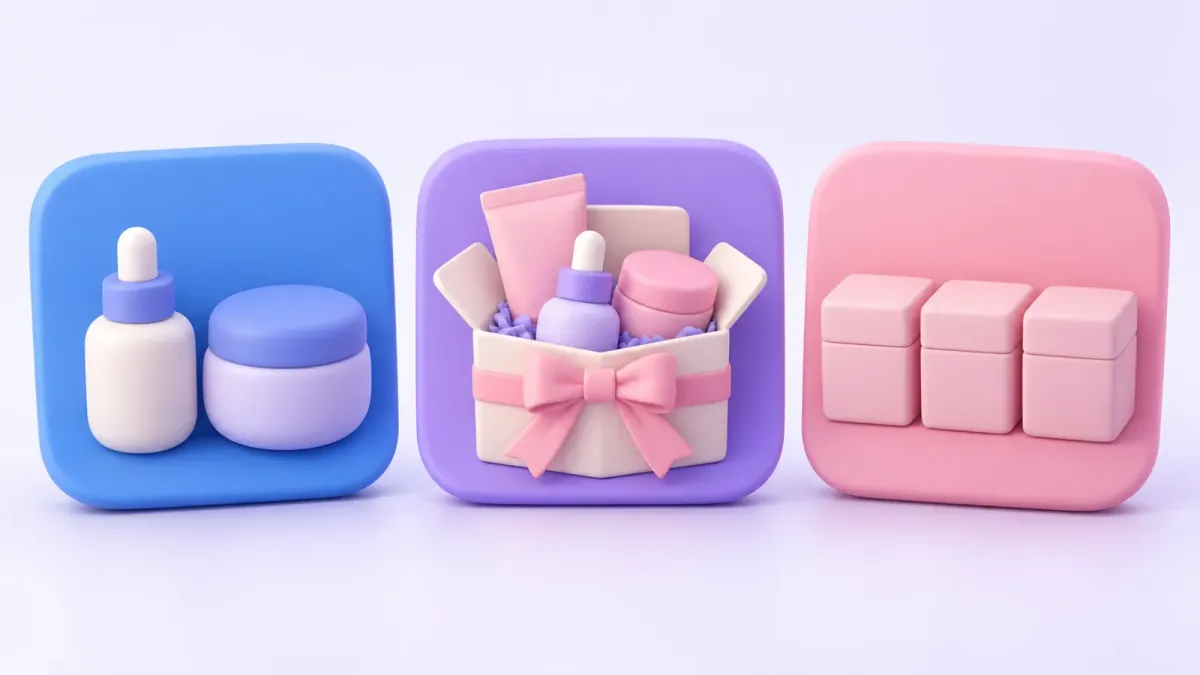
In short
A bundle adds complementary products to the order, a kit sells a complete solution and a quantity pack gets the shopper to take more units of the same product. If the product repeats, use a pack with volume discounts; if it complements, build a bundle or a kit. In CrossUp both formats work together, with one main offer per product page.
Kits, bundles and packs get used as synonyms, but each one serves a different goal: a bundle adds complementary products to the order, a kit sells a complete solution and a quantity pack gets the shopper to take more units. In CrossUp, the app for your Tiendanube store (Nuvemshop in Brazil), bundles and kits are built in the Bundles section, with help from SalesPilot, CrossUp's AI; packs are built with volume discounts.
Choosing the right format changes what the shopper sees and what ends up in the cart. Here you'll find the definitions, a table to decide, when to use a progressive discount and how to make two offers live side by side on the same product.
What's the difference between a kit, a bundle and a pack?
Simple definitions, written to help you decide rather than to fill a dictionary:
- Bundle: different products that complement each other, offered together with a benefit. The shopper takes more things. Illustrative example: a tee with a belt and socks.
- Kit: a complete solution that reads as one unit. The shopper takes the whole solution, often without thinking about each product separately. Example: a skincare routine with cleanser, serum and sunscreen.
- Pack: several units with a quantity incentive. The shopper takes more of the same. Example: three cleansers as a 3-for-2.
The question that sorts it all out is whether the product repeats or complements. Cleanser and serum make a kit because they play different roles in the same routine; three units of the same cleanser make a volume pack. It's the same distinction SalesPilot keeps in mind when it connects catalog, order, variant and co-purchase signals to understand how your products relate.
| Format | Goal | Composition | Typical discount | CrossUp feature |
|---|---|---|---|---|
| Bundle | Add products to each order | 2 to 6 different products that complement each other | Fixed or progressive | Bundles, manual or with SalesPilot |
| Kit | Sell a complete solution | 2 to 6 products used as a set | None or fixed | Bundles, with the option to publish it as a product in your bundles category |
| Quantity pack | Sell more units of the same product | Up to 6 units of one product, each with its own size or color | 2-for-1, 3-for-2, 4-for-3 or a custom pack | Volume discounts, same-product pack |
| Assorted pack | Get shoppers to try a line | 2 to 6 different products, cheapest one free | 2-for-1, 3-for-2, 4-for-3, 5-for-4 or 6-for-5 | Volume discounts, mixed pack |
The lines aren't rigid in the shopper's vocabulary: a "skincare pack" may well be a kit. What matters is which incentive carries more weight, the per-unit savings or the complete solution.
Which one raises the number of products per order?
Bundles and kits. Both add different products, so they raise average order value without depending on the shopper needing more units of the same thing.
- A bundle when there's a main product and clear complements. In apparel, the tee with jeans and a sweatshirt from the same collection, with a progressive discount so the shopper keeps adding pieces. It works very well when adding to cart, once purchase intent is confirmed. The step-by-step to build it is in how to create product bundles on Tiendanube.
- A kit when the shopper wants to solve something completely and finds it hard to choose product by product. In beauty and cosmetics, the three-step routine; in pets, a walking kit with leash, collar and harness. It performs on the product page, while the shopper is still exploring.
A kit may carry no discount at all: its value is that someone already chose for you and everything matches. If you do add a discount, a simple fixed one communicates better than a tiered one, because the point is taking it all.
For how to pick the products and present them, see bundles that work.
Which one sells more units?
The quantity pack. It's the natural format for products that get used up, run out or are bought several at a time:
- Restock: pet food, coffee capsules, beauty products that run out. A 4-for-3 or a 6-for-4 brings the next purchase forward.
- Fast-moving basics: in apparel and fashion, plain tees, socks or underwear as a 3-for-2, with size and color chosen for each unit.
- Launches and clearances: a 2-for-1 with a start and end date gets people to try a new product or moves seasonal stock.
And when you want the shopper to try a whole line, the mixed pack brings different products together and gives away the cheapest: three sauces, three tea blends, three scented candles as a 3-for-2. It's a pack in how it communicates savings and a bundle in its composition, which makes it the best way into a new line.
The full guide, with the math for each pack and the dashboard steps, is in volume discounts: 2-for-1, 3-for-2 and packs.
When should you use a progressive discount?
When you want the shopper to decide how far to go, with a reward at every step. In CrossUp you can apply it in two ways:
- In a bundle: the more products from the bundle they take, the more they save, with up to 5 tiers. For example: 5% with 2 products, 10% with 3 and 15% with 4. A progress bar shows how far they are from the next discount.
- In a volume campaign: several packs in the same campaign, like a 4-for-3 and a 6-for-4. The shopper picks and the best pack they qualify for is always applied.
Progressive discounts work best for large bundles (an outfit, a decor setup) and restock products, where taking more makes sense. For a closed kit, where the appeal is taking it complete, a fixed discount is clearer.
How do the three formats look in the same store?
An illustrative example: a beauty store with a small facial care catalog.
- A kit on its products' pages: serum, moisturizer and sunscreen as a "Complete routine", with a fixed discount. Anyone who lands on any of the three looking to sort out their skin finds the routine ready-made.
- A pack on the cleanser's page: a 3-for-2, because it's the product people restock most. Existing customers take three and forget about it for a few months.
- A progressive bundle when adding to cart: when someone adds the sunscreen, a bundle with lip balm, face mist and hand cream appears; the more they add, the more they save.
Every offer has its place and its goal: the kit raises the ticket with the complete solution, the pack adds units of the product that rotates and the progressive bundle completes the purchase at the moment of highest intent. Since the cleanser isn't in the kit, its page stays free for the pack. In an apparel store, the same setup would be an outfit of jacket, jeans and boots on those products' pages, a 3-for-2 on basic tees and accessories when adding to cart.
How does CrossUp handle each format?
With two features that complement each other:
Bundles for bundles and kits. You pick 2 to 6 products, the discount (none, fixed or progressive) and where it shows: on the product page, when adding to cart or on the home page. You build it yourself in five steps or ask SalesPilot in one sentence, review the proposal and publish it. You can generate the bundle image with AI from the product photos. It's included in the Escala and Evolución plans.
Volume discounts for packs. You choose between a same-product pack and a mixed pack, with up to 5 packs per campaign and up to 6 units per pack. The block shows on the product page, with an optional label on the product photo in categories, search and the home page. Campaigns can be scheduled. It's included in all three plans.
In both cases you track attributed revenue: sales you can trace back to the order. Prices for each plan are on the pricing page.
How do you keep two offers from competing for the same spot?
On each product page, CrossUp shows one main offer, in a fixed order: the bundle first, then the volume discount, then recommendations. That way the shopper sees one clear proposal on every product page.
With that rule, the strategy is to give each offer its place:
- If a product has a quantity pack and is also part of a bundle, show the bundle when adding to cart or on the home page. The product page stays with the pack, and the bundle shows up once intent is confirmed.
- If the bundle is the main thing (a routine kit, for example), keep it on the product page and use volume discounts on standalone restock products.
- Between two volume campaigns on the same product, the one that names the product specifically wins; if they tie, the one with the bigger discount; if they still tie, the oldest. The dashboard warns you before you activate.
Steps to choose the format for each product:
- Identify the behavior you want. More products per order, more units or trying a line.
- Decide whether the product repeats or complements. If it repeats, it's a pack; if it complements, it's a bundle or a kit.
- Pick the feature: Bundles or Volume discounts.
- Set the incentive: no discount, fixed, progressive or buy N, pay M.
- Preview on mobile and desktop before activating.
- Measure products sold and attributed revenue, and adjust.
If you don't have CrossUp yet, install it on your Tiendanube store with a 15-day free trial and try both formats on the same catalog.
Pick your format and bring it to your store with CrossUp.
Frequently asked questions
Does a kit need a discount?
Not necessarily. Its value lies in presenting a complete, well-chosen solution; if you add a discount, a fixed one usually communicates best.
Does a pack always repeat the same product?
Not always: the mixed pack brings different products together and gives away the cheapest. Call it a pack when the main incentive is the number of units.
Can I use bundles and volume discounts at the same time?
Yes. Each product page shows one main offer (bundle first, then volume, then recommendations), so give each offer its own place.
Which format works best for restock products?
A quantity pack, like a 4-for-3 or a 6-for-4, because it states the savings directly and brings the next purchase forward.
Can SalesPilot suggest kits?
Yes. You ask for the kit or bundle in one sentence, SalesPilot builds it from your catalog and you review it before publishing.